Don’t you agree this is pretty neat? 🐧
As a longtime Linux user (~20y), I got excited to see a native Debian environment land on Android 15.
With regards to accessibility, a student can learn command line basics, debug while in transit, or even manage AI agents from their phone. I think having an isolated terminal in your pocket is a game changer.
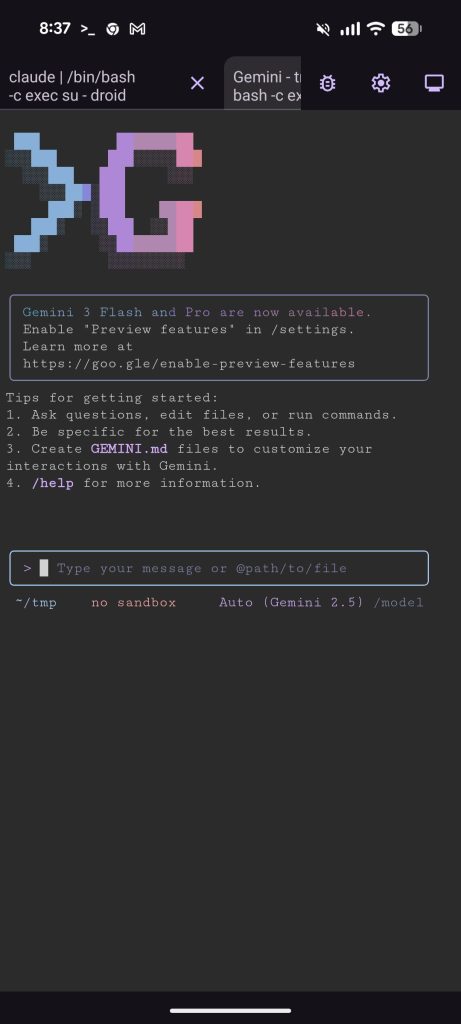
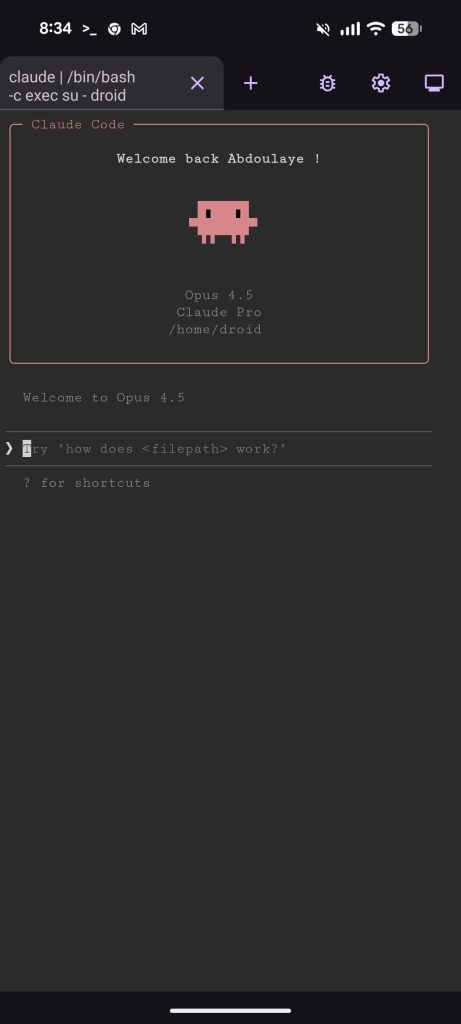
I tried both Google Gemini CLI and Claude Code on my device and it works quite well. No hacking or rooting required.
For now, this is limited to Pixel devices, but I’m hoping we see this in more devices across the ecosystem.
If you have a Pixel, here is how to unlock it:
1)Enable Developer Options.
2)Toggle on “Linux development environment.”
3) Install whatever you need (example)
Open the terminal and run:
sudo apt install npm
npm install -g @google/gemini-cli
https://developer.android.com/about/versions/15/release-notes#linux-development-environment